

 Tour purchase
 About Us
 News
 Information
 For tourists
 Flight check-in
 Additional services
 Online flight board





Select your preferred payment currency in the upper-right corner of the website. All subsequent calculations and tour prices will be displayed in the selected currency.
2. Search for a Tour/aviaticket
On the website's homepage, navigate to the “Tours” section or select “Tour Collections.” In the window that opens, enter the following search criteria:
departure city and destination;
departure dates;
approximate number of nights;
number of travelers.
Based on your selected criteria, the system will display available tour options, taking into account price and accommodation conditions.
3. Choose Your Hotel
Select the option that best suits your preferences and review the detailed tour information, hotel description, accommodation conditions, and price calendar.
4. Enter Traveler Details
Enter each traveler's personal information exactly as it appears in their passport:
first and last name in Latin characters;
date of birth;
gender;
passport details.
You must upload a photo of the passport.
5. Provide Contact Details and Select a Payment Method
Enter your current contact details and select your preferred payment method.
6. Payment Methods
Please note that tour packages can be paid for by bank card or in cash at the airline's office.
7. Contact from Our Travel Manager
Once your booking request has been submitted, a travel manager will contact you to assist with your booking.
8. Booking Confirmation
Your request will be forwarded to the tour operator for confirmation. Once confirmation has been received, our manager will contact you with an update on your booking status and provide information about the next steps.
Important Information
Our managers process booking requests during business hours only, daily from 10:00 AM to 10:00 PM. Please take these hours into account when submitting your request and waiting for a response.
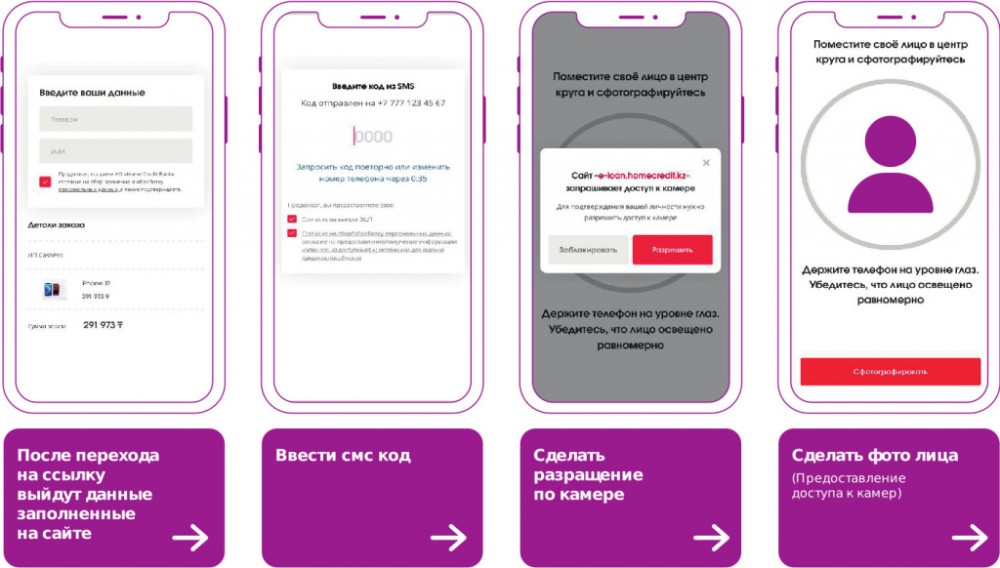
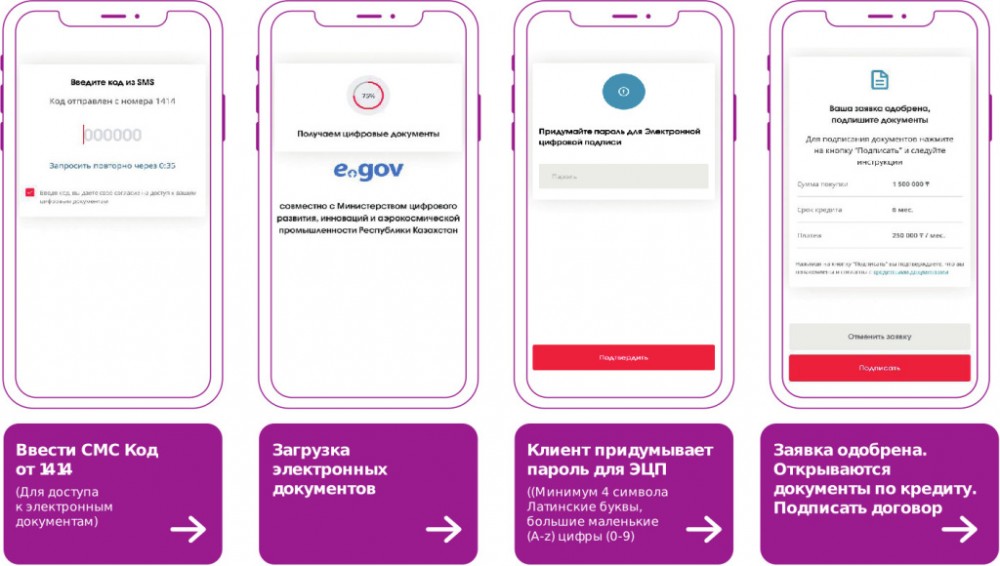
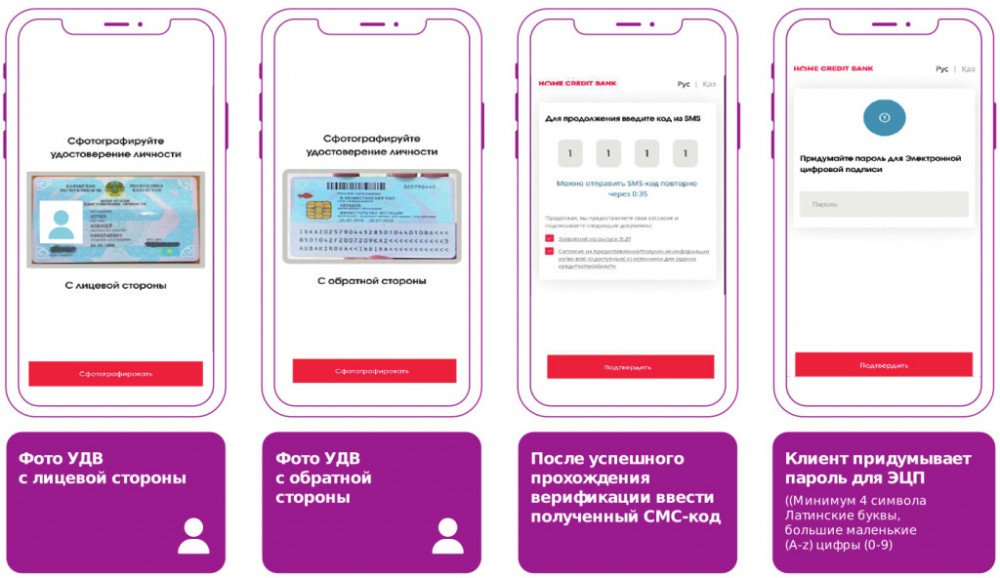
The support chat is designed to help you arrange tour packages, airline tickets, as well as to help you arrange paid services for your flight.
Yes, it is possible to cancel a tour. There are different penalties (from 0 to 100% of the price) in each individual case. The conditions depend on the date of the tour, time of cancellation, reason for cancellation, tour operator, whether the tour included non-departure insurance, etc. Please check the details with your manager.
Air tickets for charter flights are non-refundable
Your insurance policy has a telephone number to call to register an insured event. To do this, give your insurance number and describe in detail the situation that has occurred. You will then be given all the information and assistance you need. Please note that the insured event must be registered within 24


 KZT
 KZT
 RUB
 Eng
 Русский
 Қазақ тілі
 English
